Get Free Android App Development Using Lovable
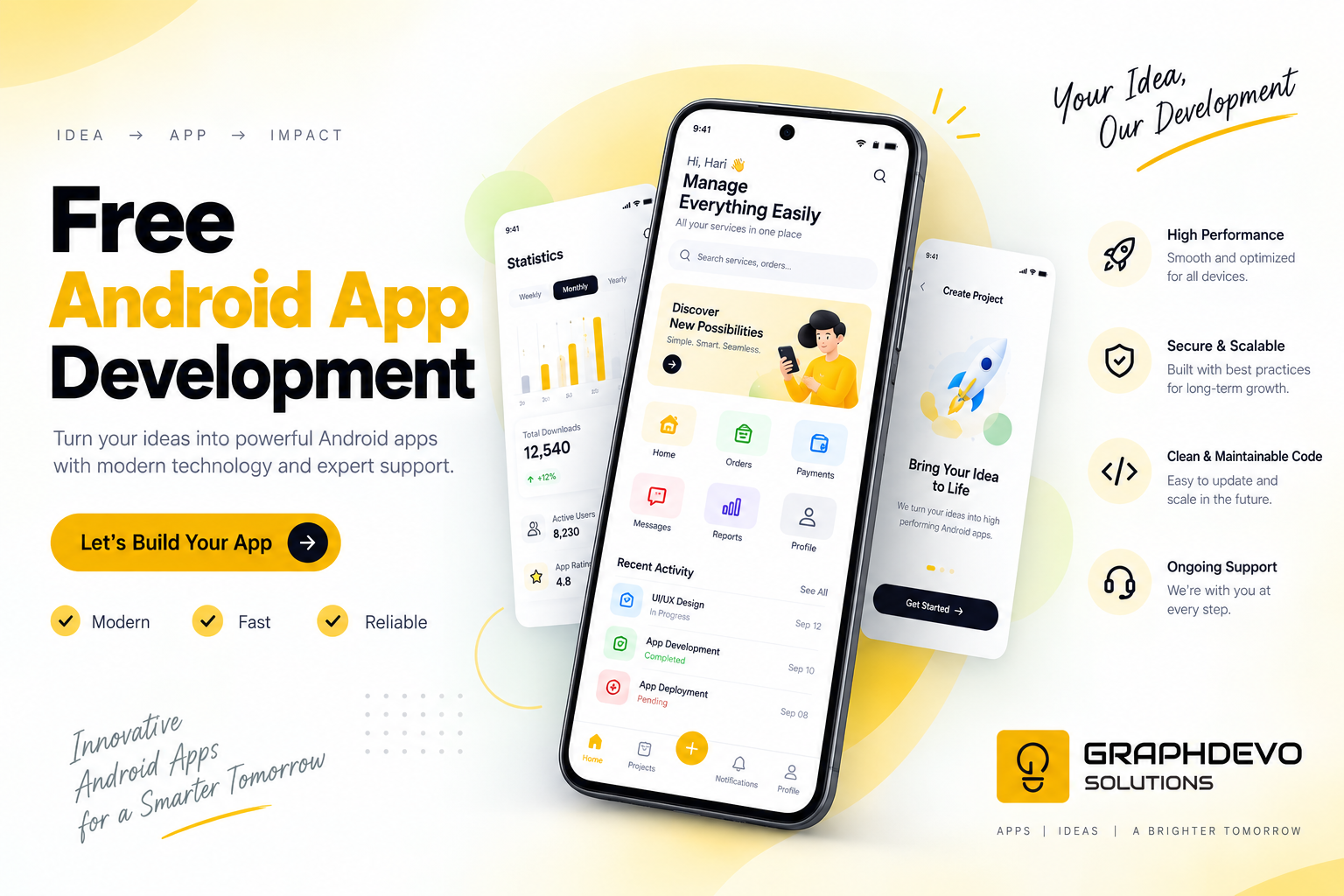
Building an Android app used to mean hiring a developer, learning Kotlin or Java, or spending weeks wrestling with Android Studio. Today, that barrier is disappearing fast — thanks to AI-powered app builders like Lovable. If you've ever wanted to turn your app idea into reality without writing a single line of code (or spending a fortune), this guide is for you.
What Is Lovable?
Lovable is an AI-driven development platform that lets you describe what you want in plain English, and it generates a working application for you. While it's best known for building web apps, many creators are now using it as a fast, free way to prototype and build the logic, UI, and backend for apps that can later be packaged or wrapped for Android — making it a great entry point for indie developers, students, and startups on a budget.
Why Use Lovable for Android App Development?
1. Zero Coding Experience Required
You don't need to know Kotlin, Java, or XML layouts. Just describe your app idea — a to-do list, a fitness tracker, an e-commerce store — and Lovable's AI translates that into functional code and design.
2. Free to Start
Lovable offers a free tier that's generous enough to build, test, and refine a complete app prototype before you ever need to pay. This makes it perfect for:
- Students learning app development
- Solo founders validating an idea
- Small businesses that can't afford agency fees
3. Speed
What normally takes weeks — designing screens, writing business logic, connecting a database — can happen in hours. You describe a feature, Lovable builds it, and you can immediately preview and test it.
4. Real-Time Iteration
Don't like a button placement or a color scheme? Just tell the AI. It's a conversational development process, meaning changes happen in minutes, not days.
How to Build Your Android App with Lovable — Step by Step
Step 1: Sign Up for Free
Head to Lovable's website and create a free account. No credit card is required to get started.
Step 2: Describe Your App Idea
Be as specific as possible. Instead of "make me a shopping app," try: "Build a shopping app with a product catalog, cart, and checkout screen, using a minimalist blue and white theme."
Step 3: Let the AI Generate Your App
Lovable will generate the UI, structure, and core logic based on your prompt. You'll see a live preview you can interact with instantly.
Step 4: Refine Through Conversation
Ask for changes conversationally — add a login screen, change fonts, add a dark mode toggle. The AI updates the app in real time.
Step 5: Test Thoroughly
Use the built-in preview to click through every screen and flow. Check forms, navigation, and any dynamic data to make sure everything behaves as expected.
Step 6: Package for Android
Once your app is ready, you can use tools like Capacitor or PWA-to-APK converters to wrap your Lovable-built app into an installable Android package (.apk), or publish it as a Progressive Web App that works seamlessly on Android devices.
Step 7: Publish or Share
Distribute your APK directly, or submit it to the Google Play Store following their standard publishing guidelines.
Tips for Getting the Best Results
- Be descriptive, not vague. The more detail you give the AI about layout, features, and user flow, the better the output.
- Build incrementally. Start with core features, test them, then layer on complexity.
- Use real content early. Testing with realistic text and images helps you catch design issues sooner.
- Save versions. If you're happy with a working version, note it down before making big changes, so you can roll back if needed.
Who Should Try This?
- Aspiring entrepreneurs who want to validate an app idea before investing in a developer
- Students learning the fundamentals of app design and logic
- Small business owners who need a simple app without agency costs
- Designers who want to quickly prototype interactive concepts
Related Articles You May Like
More insights and deep dives matching this topic area.
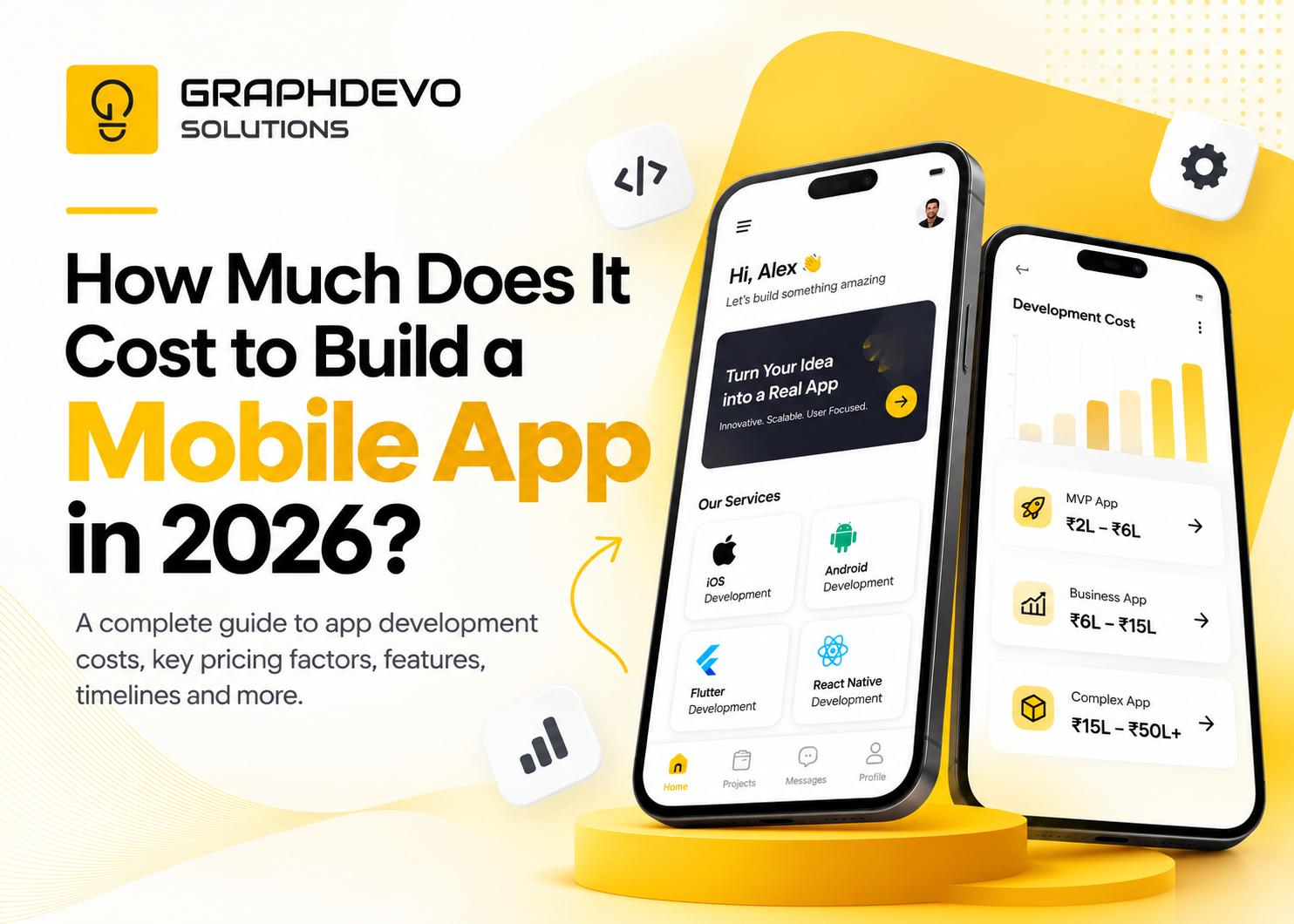
How Much Does It Cost to Build a Mobile App in 2026? Complete Guide