iOS App Development in 2026: The Complete Guide to Cost, Process, and Choosing the Right Partner
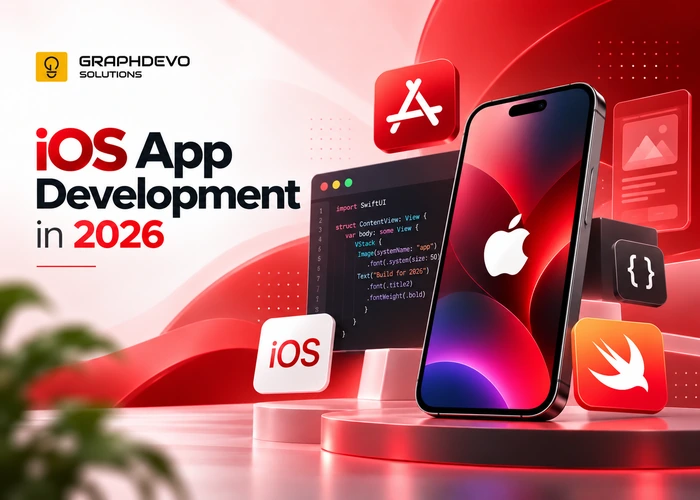
The iOS app landscape has changed dramatically over the past few years. AI-assisted development, tighter App Store guidelines, and rising user expectations mean that building a successful iOS app in 2026 looks very different than it did even two years ago. Whether you're a startup founder, a business owner looking to go mobile, or a product manager scoping your next release, this guide breaks down everything you need to know — from realistic costs to development timelines to picking the right team.
Why iOS Still Matters in 2026
Despite Android's larger global market share, iOS continues to dominate in key areas:
- Higher user spending — iOS users consistently spend more on apps, subscriptions, and in-app purchases than Android users.
- Premium demographics — iOS holds a strong majority in markets like the US, UK, Australia, and Japan, where average revenue per user tends to be higher.
- Ecosystem lock-in — With Apple Intelligence, deeper Apple Watch and Vision Pro integrations, and Continuity features across devices, iOS users are more engaged within the Apple ecosystem than ever.
For businesses prioritizing revenue over raw download numbers, iOS remains the platform of choice — or at least the platform to launch on first.
The iOS App Development Process in 2026
1. Discovery and Strategy
Before any code is written, a good mobile app development partner in india will help you define:
- Core problem the app solves
- Target audience and competitive landscape
- Key features for a Minimum Viable Product (MVP)
- Success metrics (downloads, retention, revenue, engagement)
2. UI/UX Design
Apple's Human Interface Guidelines continue to evolve, with increasing emphasis on:
- Adaptive layouts across iPhone, iPad, and Vision Pro
- Accessibility-first design (VoiceOver, Dynamic Type, contrast)
- Native motion and haptics that feel distinctly "Apple"
Expect wireframes, interactive prototypes, and at least one round of usability testing before development begins.
3. Development
Most teams in 2026 build natively using Swift and SwiftUI, which has now fully replaced UIKit as the default framework for new apps. Key trends shaping development this year:
- AI-assisted coding — Tools like Xcode's built-in AI coding assistant and third-party copilots have cut development time significantly for standard features.
- On-device AI (Apple Intelligence APIs) — Many apps now integrate on-device machine learning for personalization, summarization, and smart suggestions without sending data to the cloud.
- Cross-platform tools maturing — Frameworks like Flutter and React Native remain popular for teams needing both iOS and Android from a single codebase, though native development still wins for performance-critical or deeply platform-integrated apps.
4. Backend and API Integration
Most apps need a backend for user accounts, data storage, and business logic. Common choices in 2026 include managed backend platforms, Firebase, Supabase, or fully custom backends on AWS/Azure/GCP, depending on scale and budget.
5. Testing and QA
Beyond functional testing, 2026 QA processes emphasize:
- Device fragmentation testing (iPhone SE through iPhone 17 Pro Max, iPad, Vision Pro)
- Performance testing under Apple's stricter battery and background-activity guidelines
- Privacy compliance testing (App Tracking Transparency, Privacy Manifests)
6. App Store Submission
Apple's review process remains rigorous. Common rejection reasons in 2026 still include:
- Incomplete privacy nutrition labels or manifest files
- Broken links or placeholder content
- Apps that don't provide "enough" functionality (thin/template apps)
- Non-compliance with in-app purchase rules for digital goods
Budget 1–2 weeks for review cycles, especially if revisions are needed.
7. Post-Launch Support
Ongoing costs matter as much as build costs. Expect to budget for:
- Bug fixes and OS-update compatibility (Apple typically ships a major iOS update annually, plus several minor updates)
- Feature updates based on user feedback
- Server and infrastructure costs
- App Store optimization (ASO) and marketing
How Much Does iOS App Development Cost in 2026?
Costs vary widely based on complexity, region of the development team, and whether you're building native or cross-platform. Here's a general breakdown:
| App ComplexityDescriptionEstimated Cost Range | ||
| Simple MVP | Basic UI, 1–2 core features, no complex backend | $8,000 – $25,000 |
| Medium Complexity | Custom UI, user accounts, backend integration, moderate features | $25,000 – $75,000 |
| Complex App | Real-time features, payments, AI integration, advanced backend | $75,000 – $200,000+ |
| Enterprise-Grade | High scalability, multiple integrations, strict security/compliance | $200,000+ |
Factors that influence cost:
- Team location — North American and Western European agencies typically charge $100–$220/hr, while teams in Eastern Europe, South Asia, or Latin America often charge $25–$75/hr.
- Design complexity — Custom animations, illustrations, and micro-interactions add cost.
- AI features — On-device or cloud-based AI integration adds both development and infrastructure cost.
- Third-party integrations — Payment gateways, CRM systems, analytics, and social logins each add time.
- Maintenance — Budget roughly 15–20% of the initial build cost annually for updates and support.
Native vs. Cross-Platform: Which Should You Choose?
| FactorNative (Swift/SwiftUI)Cross-Platform (Flutter/React Native) | ||
| Performance | Best possible | Very good, occasional gaps |
| Development speed | Slower for multi-platform | Faster if targeting iOS + Android |
| Cost | Higher for two platforms | Lower for two platforms |
| Access to latest iOS features | Immediate | Often delayed |
| Best for | Performance-critical, AI-heavy, or Apple-ecosystem-deep apps | MVPs, budget-conscious multi-platform launches |
If your app leans heavily on Apple Intelligence, Vision Pro, or deep hardware integration (camera, sensors, widgets), native development is almost always the better long-term choice.
Choosing the Right Development Partner
Questions to Ask Before Hiring
- Can I see apps you've shipped to the App Store? Ask for links, not just screenshots — download and test them yourself.
- What's your process for handling scope changes? Clear change-request processes prevent budget surprises.
- Who owns the code and design files? Make sure your contract guarantees full IP ownership on completion.
- How do you handle App Store rejections? A good partner should have a track record of smooth submissions.
- What does post-launch support look like? Get specifics on SLAs, bug-fix turnaround, and pricing for future updates.
- Do you have experience with my industry? Healthcare, fintech, and other regulated industries need partners familiar with relevant compliance requirements (HIPAA, PCI-DSS, etc.).
Red Flags to Watch For
- Unusually low quotes with no clear scope breakdown
- Reluctance to share references or past work
- No clear QA or testing process
- Vague answers about who retains code ownership
- Promises of "guaranteed" App Store approval on a fixed timeline (no one can guarantee Apple's review outcome)
Freelancer vs. Agency vs. In-House
- Freelancers — Most cost-effective for simple MVPs, but risk of availability issues and less structured process.
- Agencies — Best for full-service builds with design, development, QA, and project management bundled together.
- In-house team — Ideal for companies planning continuous, long-term iOS investment, though it comes with higher fixed overhead.
Timeline Expectations
| PhaseTypical Duration | |
| Discovery & Design | 2–4 weeks |
| MVP Development | 6–12 weeks |
| Full-Featured App | 3–6 months |
| Testing & QA | 2–4 weeks (parallel with dev) |
| App Store Review | 1–2 weeks |
Complex apps with AI features, custom backends, or enterprise integrations can extend timelines to 6–9 months or longer.
Final Thoughts
iOS app development in 2026 rewards teams that plan carefully, embrace SwiftUI and on-device AI where it adds real value, and treat App Store compliance as part of the design process rather than an afterthought. Costs can range from a few thousand dollars for a lean MVP to hundreds of thousands for enterprise-grade platforms — but the right partner, clear scope, and realistic timeline expectations will save you money and headaches no matter your budget
Related Articles You May Like
More insights and deep dives matching this topic area.
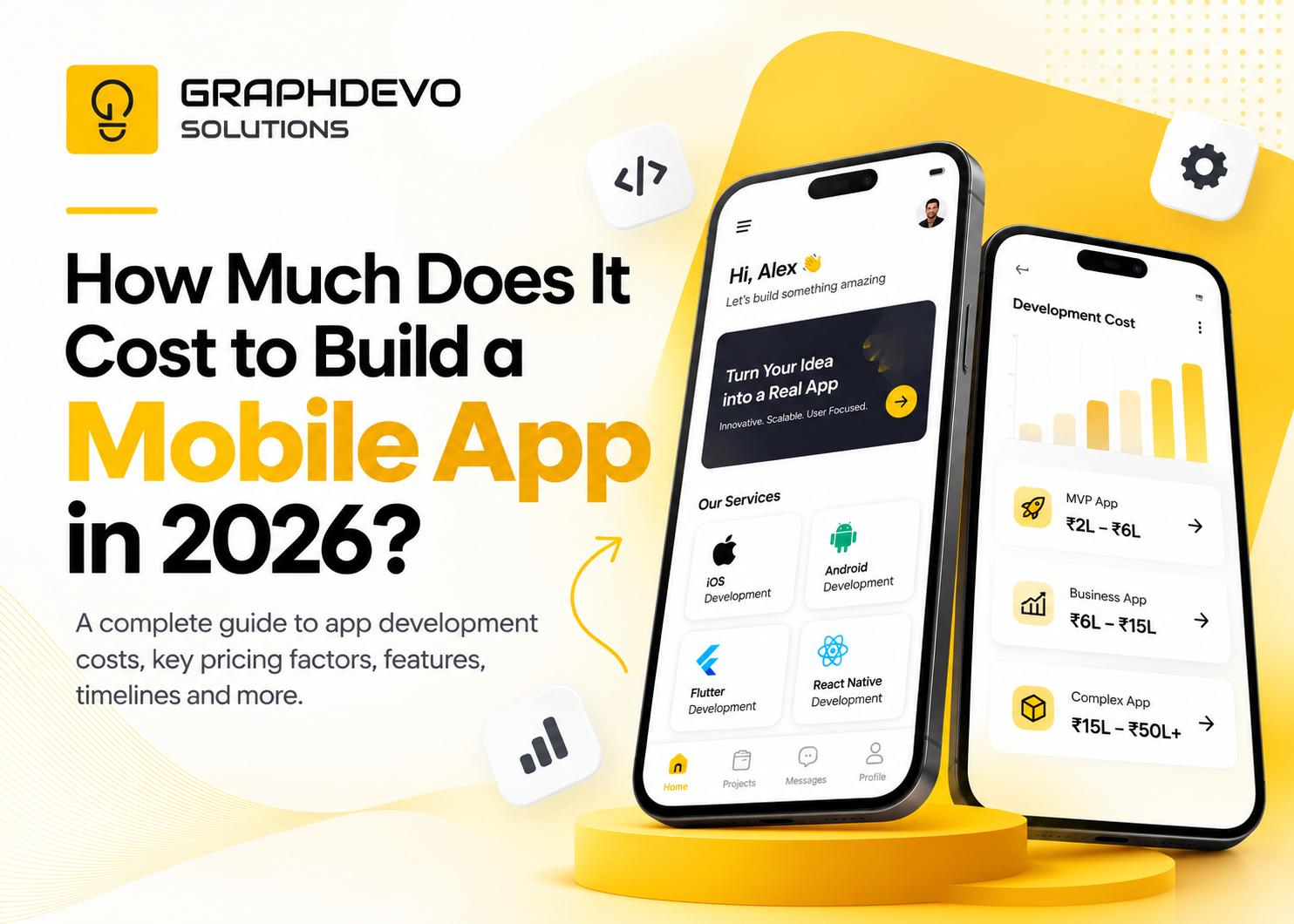
How Much Does It Cost to Build a Mobile App in 2026? Complete Guide