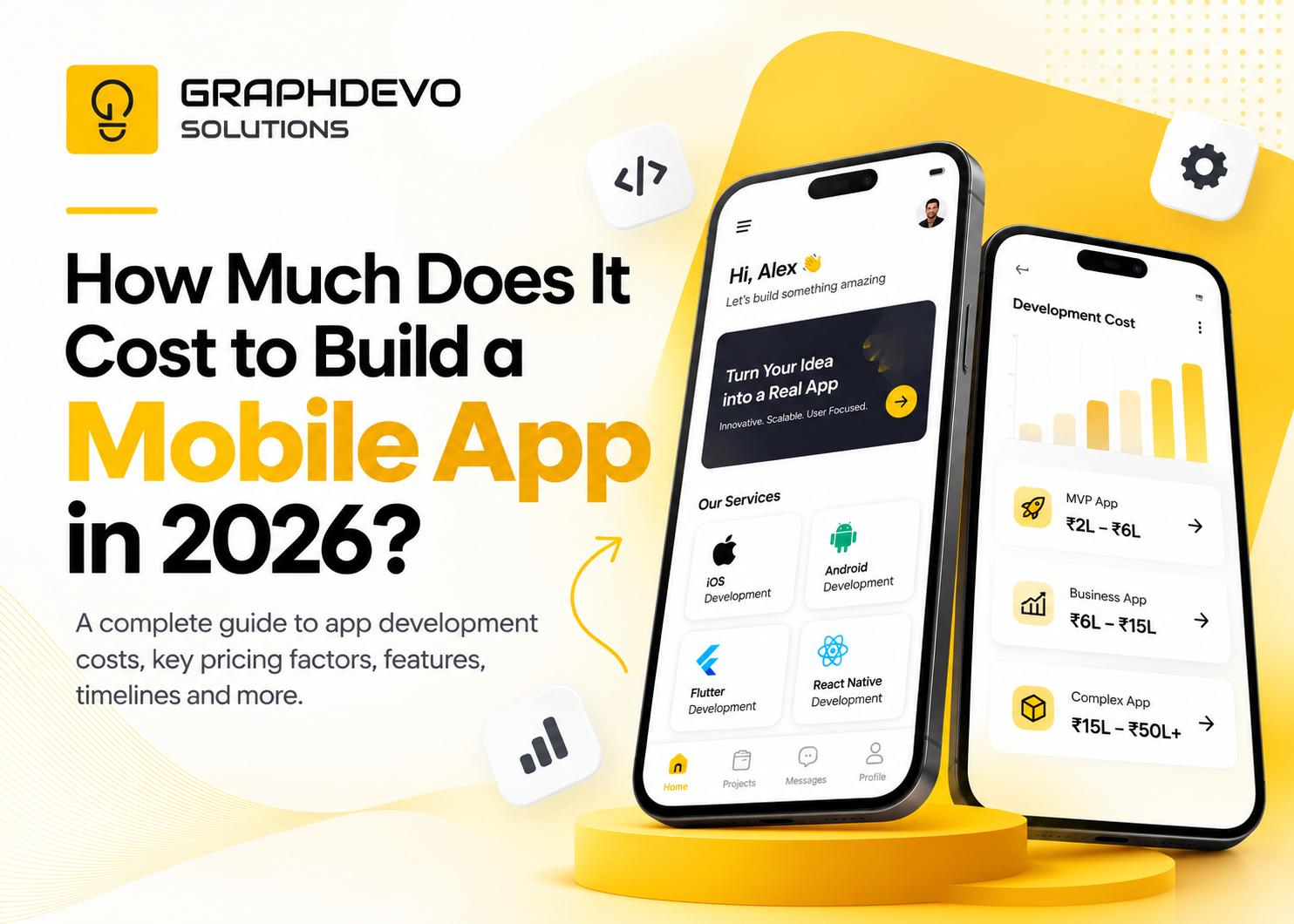
How to Build a Mobile App on a Budget: A Cost-Effective Guide for Startups
Building a mobile app can be an important step toward growing a business, reaching new customers, and delivering better digital experiences. However, for startups and small businesses, development costs can quickly become a challenge.
From UI/UX design and development to testing, deployment, and ongoing maintenance, every stage requires time and investment. The good news is that building a useful mobile app doesn't always require a large upfront budget.
With the right strategy, businesses can launch a focused product, validate their idea with real users, and expand gradually as their needs grow.
Budget-friendly mobile app development is about investing in the right features at the right time—not simply choosing the cheapest development option.
In this guide, we'll explore practical ways to reduce initial development costs while maintaining usability, quality, security, and long-term scalability.
1. Start With a Minimum Viable Product (MVP)
One of the most effective ways to control mobile app development costs is to begin with a Minimum Viable Product, commonly known as an MVP.
An MVP is the simplest functional version of your app that delivers its core value to users. Instead of developing every feature you have imagined, you focus on solving the most important customer problem first.
For example, imagine a startup wants to build a grocery delivery app. Its long-term vision might include AI-powered recommendations, subscription plans, loyalty rewards, multiple payment methods, and advanced analytics.
However, the first version may only need:
- User registration and login
- Product browsing and search
- Shopping cart
- Basic checkout
- Order confirmation and status updates
These features are enough to test whether customers find the service useful and are willing to place orders.
Why does MVP development save money?
- It reduces the number of features built initially.
- It shortens the path to launch.
- It helps validate demand before larger investments.
- It gives businesses real feedback to guide future decisions.
- It reduces the risk of spending money on features customers rarely use.
The key is to define what your first version must achieve. An MVP should still be reliable, usable, and secure; it should not be an unfinished product that fails to deliver its main purpose.
2. Prioritize Essential Features Before Development
Every additional feature can increase design, development, testing, and maintenance effort. Without clear priorities, a project can become more expensive than expected.
Before development begins, separate your proposed features into three categories.
| PriorityFeature typeExample | ||
| Must-have | Required for the main user journey | Login, product browsing, checkout |
| Should-have | Improves the experience but can follow later | Wishlist, reviews, saved preferences |
| Could-have | Useful enhancements for a future release | AI recommendations, advanced personalization |
This approach helps teams focus their budget on features that solve the core problem.
Use the MoSCoW prioritization method
The MoSCoW framework categorizes requirements as Must have, Should have, Could have, and Won't have for the current release.
For example, a fitness startup building its first mobile app may prioritize account creation, workout plans, and progress tracking. Social challenges, advanced analytics, and wearable integrations could be evaluated for later releases.
Ask these questions before approving a feature:
- Does it solve a core customer problem?
- Is it necessary for the main user journey?
- Will users struggle to complete their primary task without it?
- Does it justify the additional development and maintenance cost?
Practical tip: Finalize the essential user flows and screen list before requesting a development estimate. Clear scope helps teams estimate work more accurately and reduces expensive changes later.
3. Choose the Right Technology for Your Budget
Your technology choice affects development effort, hiring requirements, performance, and long-term maintenance.
For many startups, cross-platform development can be a cost-effective way to launch on both Android and iOS.
Native vs. cross-platform development
| ApproachBest suited forBudget consideration | ||
| Native development | Apps needing platform-specific capabilities or specialized performance | Separate platform implementations can increase cost |
| Cross-platform development | Many business, booking, marketplace, and e-commerce apps | Shared code can reduce duplicated development work |
| Progressive Web App (PWA) | Products that primarily need browser-based access | May avoid the need for a full app-store release initially, depending on requirements |
Consider Flutter or React Native
Frameworks such as Flutter and React Native allow teams to build experiences for multiple mobile platforms using a shared codebase for much of the application.
Potential advantages include:
- Less duplicated development work
- Shared business logic across platforms
- More efficient delivery of common features
- Easier coordination of some updates and fixes
However, cross-platform development is not automatically cheaper for every project. Platform-specific functionality, complex integrations, testing needs, and developer expertise still affect the total cost.
Native development using Swift for iOS or Kotlin for Android may be the better choice when an app depends heavily on specialized device capabilities or platform-specific performance.
A PWA may also be worth considering if your business needs to validate an idea through a mobile-friendly web experience before committing to native apps.
Choose technology based on your product requirements and team's capabilities—not simply because a framework is popular.
4. Build Your App in Phases
You don't need to develop your entire product in one release. A phased approach spreads investment over time and lets customer feedback influence what comes next.
A practical roadmap could look like this:
<box border radius="xl" padding={3} gap={3}> <row align="start" gap={3}> <box background="#E2F3EA" radius="lg" size="44px" align="center" justify="center"> <icon name="search" color="#176B50" size="xl" /> </box> <box flex="1" gap={1}> **Phase 1 — Discovery and validation**
</row> <divider color="subtle" /> <row align="start" gap={3}> <box background="#E2F3EA" radius="lg" size="44px" align="center" justify="center"> <icon name="smartphone" color="#176B50" size="xl" /> </box> <box flex="1" gap={1}> **Phase 2 — MVP development**
</row> <divider color="subtle" /> <row align="start" gap={3}> <box background="#E2F3EA" radius="lg" size="44px" align="center" justify="center"> <icon name="chart-no-axes-combined" color="#176B50" size="xl" /> </box> <box flex="1" gap={1}> **Phase 3 — Measure and improve**
</row> <divider color="subtle" /> <row align="start" gap={3}> <box background="#E2F3EA" radius="lg" size="44px" align="center" justify="center"> <icon name="trending-up" color="#176B50" size="xl" /> </box> <box flex="1" gap={1}> **Phase 4 — Expand strategically**
</row> </box>
This approach makes spending decisions more informed. Instead of paying for every planned feature upfront, you invest in the next stage based on what you learn.
5. Invest in UI/UX Design Before Writing Code
Skipping design to save money may seem appealing, but unclear user flows and confusing interfaces can create expensive rework during development.
UI/UX design helps teams identify problems before they become code changes.
A budget-conscious design process can include:
- User research focused on the most important assumptions
- Simple wireframes for core screens
- Clickable prototypes to validate the flow
- Reusable UI components and consistent design patterns
- Usability testing with representative users
- Accessibility checks for text, contrast, and interactions
For example, testing a prototype of a booking app can reveal that users cannot find available appointment slots or understand the cancellation policy. Fixing those issues in the design stage is generally less disruptive than rebuilding completed functionality.
A design system does not need to be extensive for an MVP. A small set of reusable buttons, form fields, typography styles, spacing rules, and feedback states can help maintain consistency and make future updates easier.
The goal is not to spend more on design. It is to reduce uncertainty before committing to development.
6. Use Existing Tools and Services Where Appropriate
Not every app needs a completely custom solution for every capability.
Established tools and managed services can help startups avoid building common infrastructure from scratch.
Depending on the product, consider using:
- Managed authentication services
- Cloud databases and hosting
- Existing payment gateway integrations
- Analytics tools
- Push notification services
- Customer support integrations
- Standardized content management systems
For instance, a startup may use a managed authentication service rather than creating its own password recovery and account verification infrastructure.
Before selecting a third-party service, evaluate its pricing, usage limits, security practices, integration effort, data portability, and potential vendor lock-in.
Some services charge based on usage. A tool that is inexpensive during the MVP stage may become costly as users, transactions, or stored data increase.
Avoid unnecessary custom development, but don't introduce too many disconnected services. Integration complexity can create its own maintenance burden.
7. Understand the Full Cost of Mobile App Development
The development quote is only one part of your total investment.
To create a realistic budget, consider the entire product lifecycle.
| Cost category What it covers | |
| Discovery and planning | Requirements, user research, technical planning |
| UI/UX design | User flows, wireframes, visual design, prototypes |
| App development | Frontend, backend, APIs, core functionality |
| Testing and quality assurance | Functional, usability, security, and device testing |
| Deployment | Release preparation, store submission, production setup |
| Infrastructure | Hosting, databases, storage, monitoring |
| Third-party services | Payment, messaging, maps, analytics, and other integrations |
| Maintenance | Bug fixes, security updates, compatibility work, improvements |
Actual costs vary considerably by region, team composition, platform, complexity, integrations, and quality requirements. It is better to request an itemized estimate for your specific scope than rely on a generic market price.
Don't forget ongoing maintenance
After launch, your app will need updates and support. Mobile operating systems change, third-party dependencies evolve, security issues require attention, and users may report problems.
Include a maintenance budget for:
- Bug fixes and reliability improvements
- OS and dependency updates
- Security patches
- Cloud hosting and usage charges
- Monitoring and customer support
- Necessary improvements based on feedback
As an initial planning assumption, some businesses reserve around 15–25% of the initial development cost annually for maintenance and ongoing improvements. This is only a rough budgeting guideline—not a fixed industry rule—and excludes potentially significant hosting, licensing, support, or feature expansion costs.
Planning for maintenance from the beginning helps avoid the situation where a business can afford to launch its app but cannot afford to keep it reliable.
8. Avoid Common Budget Mistakes
Even a well-funded project can overspend if its requirements and priorities are unclear.
Watch out for these common mistakes:
Building too many features at launch: Keep the first release focused on the main user problem and validate additional features before investing in them.
Changing requirements repeatedly: Document the agreed scope and establish a clear process for evaluating new requests and their impact on cost and timeline.
Choosing technology based only on price: Consider reliability, maintainability, security, available expertise, and the cost of future changes.
Skipping testing: Defects in login, checkout, payments, or data handling can damage trust and create costly fixes after release.
Ignoring scalability entirely: You don't need enterprise-level infrastructure on day one, but the architecture should support reasonable growth without requiring a complete rebuild.
Underestimating maintenance: Account for recurring costs, updates, and support in the initial financial plan.
Hiring without checking delivery quality: Review relevant projects, communication practices, ownership terms, testing processes, and post-launch support before choosing a development partner.
9. A Practical Budget-Friendly App Development Checklist
Before starting your project, confirm that you can answer the following questions:
- What specific problem will the app solve?
- Who are the primary users?
- What is the one core action users must complete?
- Which features are essential for the first release?
- Do you need native apps, cross-platform development, or a PWA?
- What backend services and integrations are required?
- How will usability, security, and reliability be tested?
- What are the launch, hosting, and maintenance costs?
- How will success be measured after launch?
- What criteria will determine the next development phase?
If several of these questions remain unanswered, begin with discovery and planning rather than committing immediately to a full development budget.
How GraphDevo Solutions Can Help
Choosing the right scope, technology, and development roadmap can help startups turn an idea into a practical digital product without investing in unnecessary features.
GraphDevo Solutions helps businesses explore digital product development opportunities, with an emphasis on creating useful, user-friendly digital experiences aligned with business goals.
Whether you're planning a startup MVP, a customer-facing mobile app, or a broader digital platform, a structured discovery and development process can help clarify priorities and make the investment more manageable.
Explore GraphDevo Solutions and browse our portfolio to learn more about our work.
Related Articles You May Like
More insights and deep dives matching this topic area.