AI vs. UI/UX Designers: Why Human Expertise Still Matters
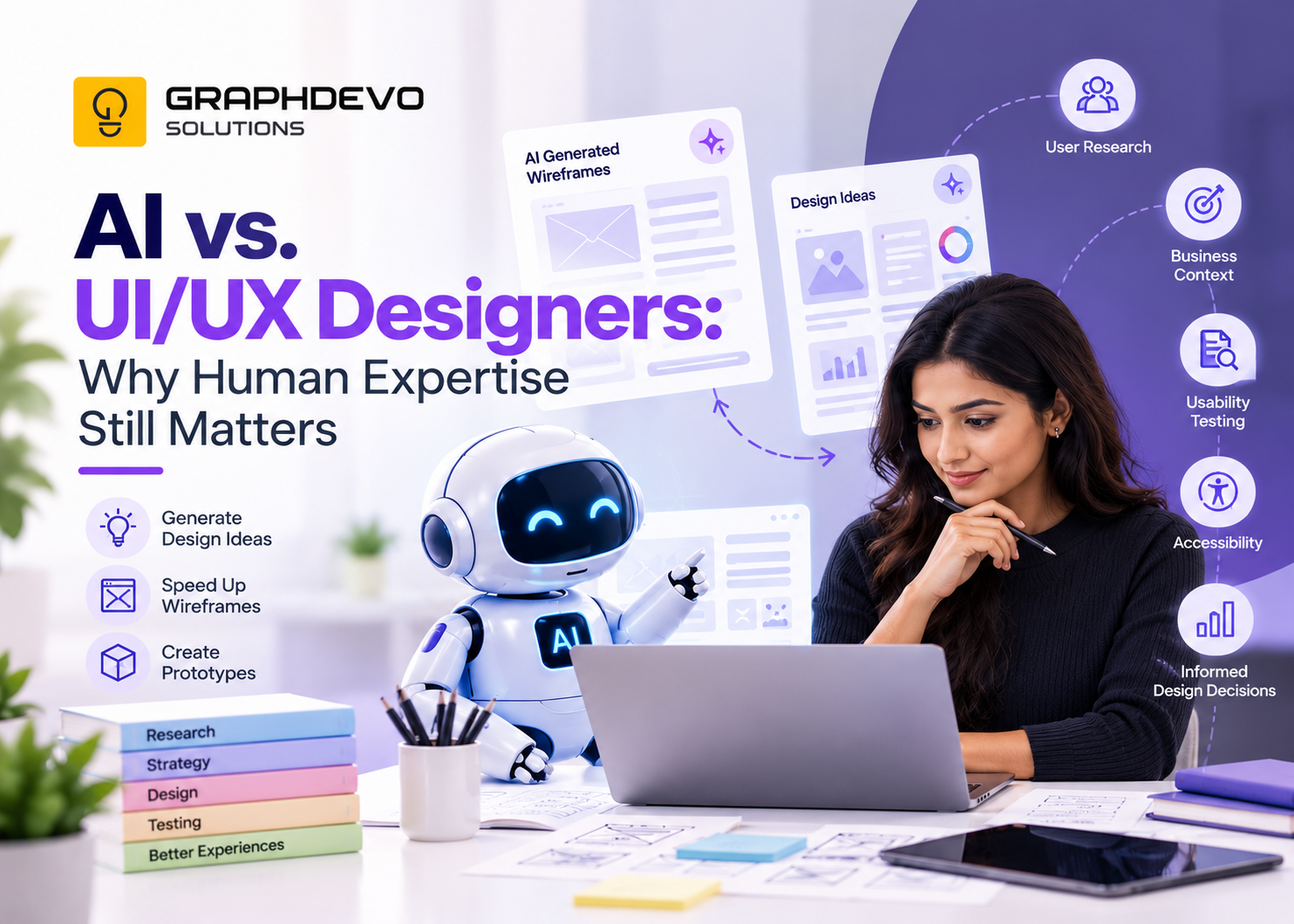
Artificial intelligence is changing how digital products are designed. From generating interface layouts to creating wireframes and interactive prototypes, AI-powered tools are helping design teams explore ideas and move from concept to execution faster than before.
But an important question remains: Can AI replace UI/UX designers, or does great product design still require human expertise?
For businesses investing in websites, mobile applications, and digital products, the answer matters. A visually attractive interface does not automatically create a successful product. Understanding customers, solving real problems, improving usability, and aligning design decisions with business goals require more than generating screens.
In this article, we explore what AI can do in UI/UX design, where human designers remain essential, and how businesses can combine both to create better digital experiences.
What Is the Role of AI in UI/UX Design?
AI in UI/UX design refers to using artificial intelligence to assist with activities such as design ideation, wireframing, content generation, prototyping, research analysis, and design evaluation.
These tools can help designers explore multiple approaches, automate repetitive tasks, and create early concepts with less manual effort.
For example, a designer working on an e-commerce application could use AI to generate initial product listing layouts, suggest navigation structures, or create placeholder content for a prototype.
AI can also help teams brainstorm alternative user flows and summarize existing research materials. However, its output still needs to be evaluated against real user needs and project requirements.
According to Nielsen Norman Group's research on AI in UX, AI is helping practitioners complete many tasks faster, while activities involving direct user interaction remain more difficult to automate. This highlights the difference between accelerating design work and ensuring that the resulting experience is genuinely effective.
How AI Is Transforming the UI/UX Design Process
AI is most useful when applied to specific tasks where speed and exploration matter.
1. Faster Wireframing and Layout Generation
Creating initial wireframes helps designers establish page structure, content hierarchy, and navigation before investing in detailed visual design.
AI can generate preliminary wireframes from written requirements, suggest alternative layouts, and help teams explore different ways to organize content.
For instance, when designing a fitness dashboard, AI might suggest separate sections for member check-ins, membership renewals, revenue, and attendance trends.
This gives designers a starting point. They must still determine which information matters most, how users interpret it, and whether the layout supports their daily tasks.
2. Exploring More Design Ideas
AI can help generate multiple visual directions, colour combinations, component concepts, and interface variations.
This can be especially useful during early ideation, when teams want to explore different possibilities before selecting a direction.
However, more ideas do not automatically mean better design. Designers need to evaluate each concept against the brand identity, accessibility requirements, technical constraints, and user expectations.
3. Supporting Interactive Prototyping
Prototypes help teams understand how an interface behaves before investing in full development.
AI-powered tools can assist with generating prototype screens, creating interactions, and turning concepts into testable experiences.
This can help teams identify workflow issues earlier and communicate ideas more clearly to stakeholders.
Yet a prototype that looks functional is not necessarily a usable product. Designers still need to validate navigation, feedback, error handling, and real-world user behaviour.
4. Automating Repetitive Design Tasks
AI can assist with generating placeholder copy, documenting components, organizing design ideas, and producing initial content variations.
These activities can reduce repetitive work and give designers more time to focus on problem-solving.
The important distinction is that automation should improve the quality of the overall workflow, not simply increase the number of screens produced.
Why Human Expertise Still Matters in UI/UX Design
AI can help create interfaces, but designing a successful product involves understanding people, business priorities, and the context in which a product will be used.
Here are five areas where experienced UI/UX designers continue to play a critical role.
1. Understanding Real User Needs
Great UX begins with understanding the people who will use the product.
Designers conduct interviews, observe user behaviour, analyze feedback, and investigate pain points to understand what customers actually need.
Consider a food delivery application. Customers may not simply want more restaurant options. They may be frustrated by unclear cancellation policies, unpredictable delivery times, or confusing refund information.
AI can help organize existing research and identify possible patterns, but generated assumptions should never be treated as evidence about actual customers.
Human researchers and designers must validate insights, understand context, and distinguish between what users say and what they need.
2. Connecting Design Decisions to Business Goals
A digital product must serve both its users and the organization building it.
A business may want to increase conversions, reduce support requests, improve customer retention, or simplify internal operations.
A designer evaluates how interface decisions contribute to these outcomes.
For example, adding another promotional banner to an e-commerce homepage may increase visual complexity without improving sales. A designer might instead simplify product discovery, clarify shipping costs, or improve the checkout journey.
AI can suggest possible solutions, but choosing the right problem to solve requires business context, prioritization, and informed judgment.
3. Improving Usability Through Testing
A design should not be considered successful simply because it looks polished.
Usability testing helps determine whether people can complete tasks, understand interface elements, and recover from mistakes.
Designers observe participants, identify friction points, and refine the experience based on evidence.
AI can support test planning, summarize feedback, and suggest potential usability issues. However, it cannot automatically establish that a design works well for the intended audience simply by generating or reviewing a screen.
Research and guidance from Nielsen Norman Group emphasize the importance of usability evaluation and understanding users in context.
4. Designing for Accessibility and Inclusion
A successful digital experience should work for people with different abilities, devices, and levels of familiarity with technology.
Accessibility considerations include colour contrast, readable typography, keyboard navigation, screen reader support, clear labels, and understandable error messages.
AI tools can help identify possible accessibility issues, but automated checks do not cover every barrier a user may encounter.
Designers need to understand accessibility standards, verify findings, test interactions, and consider different user needs throughout the design process.
The goal is not merely to make an interface look consistent. It is to make the product usable by as many people as reasonably possible.
5. Applying Creativity, Context, and Design Judgment
AI can generate interface concepts, but selecting the right solution requires understanding the product's purpose and constraints.
Designers balance competing priorities, such as simplicity versus functionality, business requirements versus user expectations, and innovation versus familiarity.
They also collaborate with product managers, developers, researchers, and stakeholders to ensure that a design can be implemented and maintained.
This combination of creativity, critical thinking, communication, and accountability is central to effective product design.
AI vs. UI/UX Designers: What Is the Difference?
| Design activity How AI helps Why human expertise matters | ||
| Wireframing | Generates initial layouts | Validates information hierarchy and user flows |
| Design ideation | Suggests concepts and variations | Selects concepts that fit the brand and problem |
| User research | Helps organize notes and summarize data | Conducts research and validates findings |
| Prototyping | Speeds up screen and interaction creation | Ensures interactions support real tasks |
| Usability testing | Assists with test planning and analysis | Observes users and interprets behaviour |
| Accessibility | Flags potential issues | Validates usability and inclusive experiences |
| Product strategy | Helps explore possible approaches | Prioritizes problems based on business and user needs |
The key takeaway is that AI can accelerate individual activities, while experienced designers remain responsible for connecting those activities into a coherent, validated product experience.
How Businesses Can Combine AI and Human Design Expertise
Instead of treating AI and UI/UX designers as competitors, businesses can use them together.
A practical workflow looks like this:
Step 1: Define the problem. Identify the business objective, target audience, and customer pain points.
Step 2: Research and validate. Gather user feedback and available evidence before deciding what to build.
Step 3: Use AI for exploration. Generate initial concepts, wireframes, content options, and prototype ideas.
Step 4: Apply design judgment. Evaluate the output against user needs, accessibility, brand guidelines, technical constraints, and business goals.
Step 5: Test with users. Observe how people interact with the design and identify areas for improvement.
Step 6: Refine and measure. Improve the experience using usability findings and post-launch performance data.
This approach allows teams to benefit from AI's speed without sacrificing the research, evaluation, and accountability needed for quality design.
Will AI Replace UI/UX Designers in the Future?
AI will continue to change the responsibilities of UI/UX designers. Some repetitive activities may become increasingly automated, and designers will need to adapt their workflows and learn new tools.
However, replacing individual tasks is not the same as replacing the entire design discipline.
Businesses still need professionals who can identify meaningful problems, understand customer behaviour, make trade-offs, validate solutions, and collaborate across teams.
The role of a designer may increasingly involve directing AI tools, evaluating their output, conducting research, testing experiences, and making strategic product decisions.
For aspiring and experienced designers alike, the opportunity is to combine strong design fundamentals with AI literacy, research skills, accessibility knowledge, and critical thinking.
AI is making UI/UX design faster and opening new ways to explore ideas, generate wireframes, and build prototypes. Ignoring these capabilities would mean missing useful opportunities to improve the design process.
At the same time, speed alone does not guarantee a successful product. User research, business understanding, usability testing, accessibility, and informed decision-making remain essential to creating digital experiences that work in the real world.
At GraphDevo, the focus is on building digital solutions that connect technology with practical business needs. Combining modern tools with thoughtful product design helps businesses create experiences that are useful, accessible, and aligned with their goals.
Explore the GraphDevo portfolio to learn more about the team's digital projects.
Related Articles You May Like
More insights and deep dives matching this topic area.